
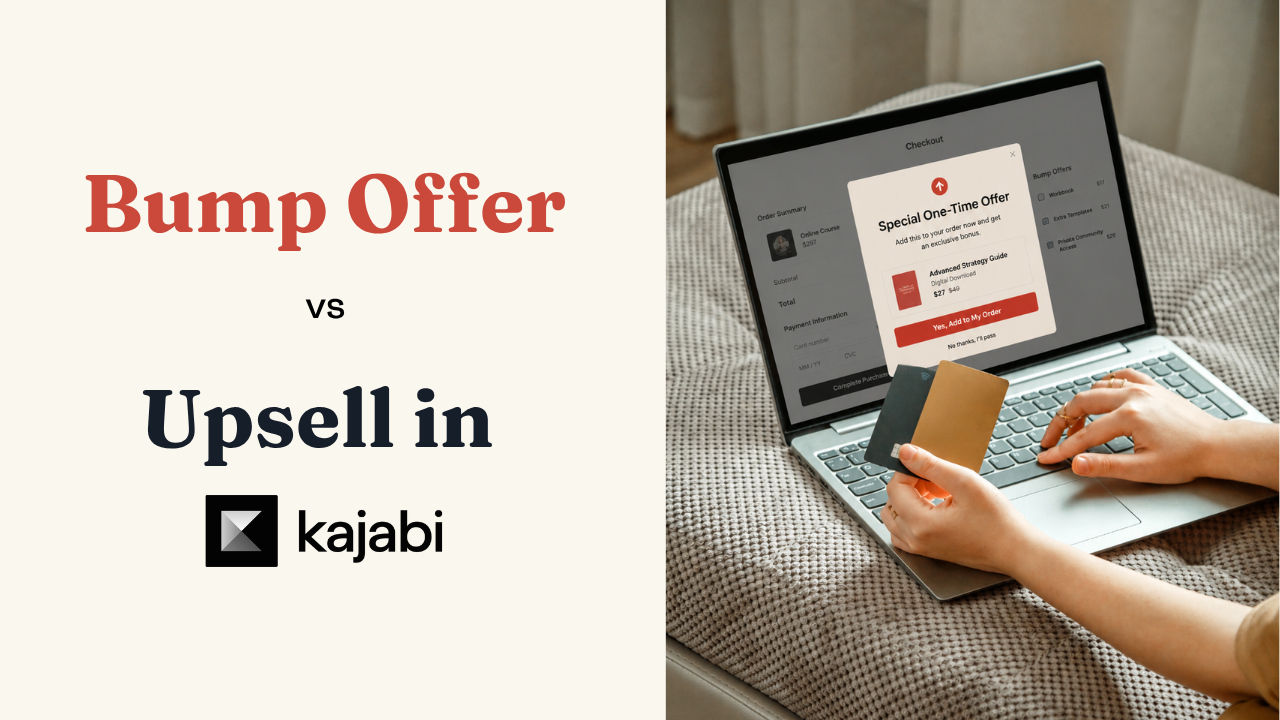
Bump Offer vs Upsell in Kajabi: What's the Difference?
If you've built more than a couple of checkout pages in Kajabi, you've probably mixed up a bump offer and an upsell at least once. They both increase the value of a single transaction — but they show up at completely different moments in the buyer's journey, and mixing up when to use each one is the easiest way to kill a conversion you'd otherwise get.
A bump offer is added before the sale is locked in. An upsell shows up after. That timing difference changes everything about how each one should be priced and positioned.
What is a bump offer?
A bump offer lives right on the checkout page — usually a small checkbox in the sidebar, next to the payment fields. The customer hasn't finished buying yet. They're still deciding, which means a bump has to feel like an easy "why not":
- A checklist or workbook that complements the main course
- A short bonus training
- An extra one-on-one session
- A template pack or done-for-you asset
Pricing rule of thumb: the bump should feel like a rounding error next to the main purchase. If your course is $297, an $8–$27 bump is an easy yes. Ask for more than that, and you risk making the customer hesitate on the entire order — not just the add-on.
What is an upsell?
An upsell appears after checkout — the customer has already entered their card and clicked "buy." At that point they're in a buying mindset, which makes them more open to a second, related offer.
- Can be priced closer to (or even above) the original product
- Works especially well framed as "the natural next step"
- Often paired with a limited-time discount to add urgency
In Kajabi, upsells are one-time offers — the customer only ever sees that page once, immediately after checkout. That built-in scarcity is part of why they convert as well as they do.
What to upsell
The upsell should make sense as the next step after what someone just bought. For example:
- Someone buys your course → upsell community or group coaching access
- Someone buys a basic coaching package → upsell a premium package or one-on-one coaching
- Someone buys a lower-tier course → upsell the premium tier with more content
- Someone buys your program → upsell implementation support or accountability
It should feel like a natural upgrade or a complementary offer. Not random, and not pushy.
Kajabi now supports multiple order bumps
Until recently, checkout pages were limited to a single bump offer. That's changed — creators can now stack several bumps on one checkout page for one-time offers, without touching the rest of the funnel.
If 100 orders a month each add an average $34 through bumps, that's roughly $40,800 a year — from traffic you're already converting, with zero extra ad spend.
How to decide what to stack
Don't just pile in every add-on you own. Give each bump a distinct job:
- A time-saving option — templates, done-for-you assets
- A deeper-support option — extra coaching, a live Q&A
- A complementary product — a related mini-course
If two bumps solve the same problem, customers end up choosing between them instead of adding both — which usually means you sell fewer add-ons overall, not more.
A quick way to audit your current checkout
Before adding anything new, look at your existing checkout page and ask three questions:
- Is there a bump offer at all, or is that revenue currently left on the table?
- If there is one, is it priced low enough to be a genuine no-brainer?
- Does your upsell page (if you have one) actually connect to the product someone just bought, or does it feel bolted on?
Most creators find at least one gap here on the first pass.
Final Thought
A bump offer is about frictionless, in-the-moment add-ons before the sale locks in. An upsell capitalizes on buying momentum right after. With multiple bumps now available, this is worth revisiting on your own checkout — not to cram in more offers, but to make sure each one solves a genuinely different problem for the customer who just said yes to you.
Thinking about building a course? Before you spend a year and $10,000 on it, read how The Launch Path works.