
Kajabi Media Library: A New Way to Manage Your Videos and Audio
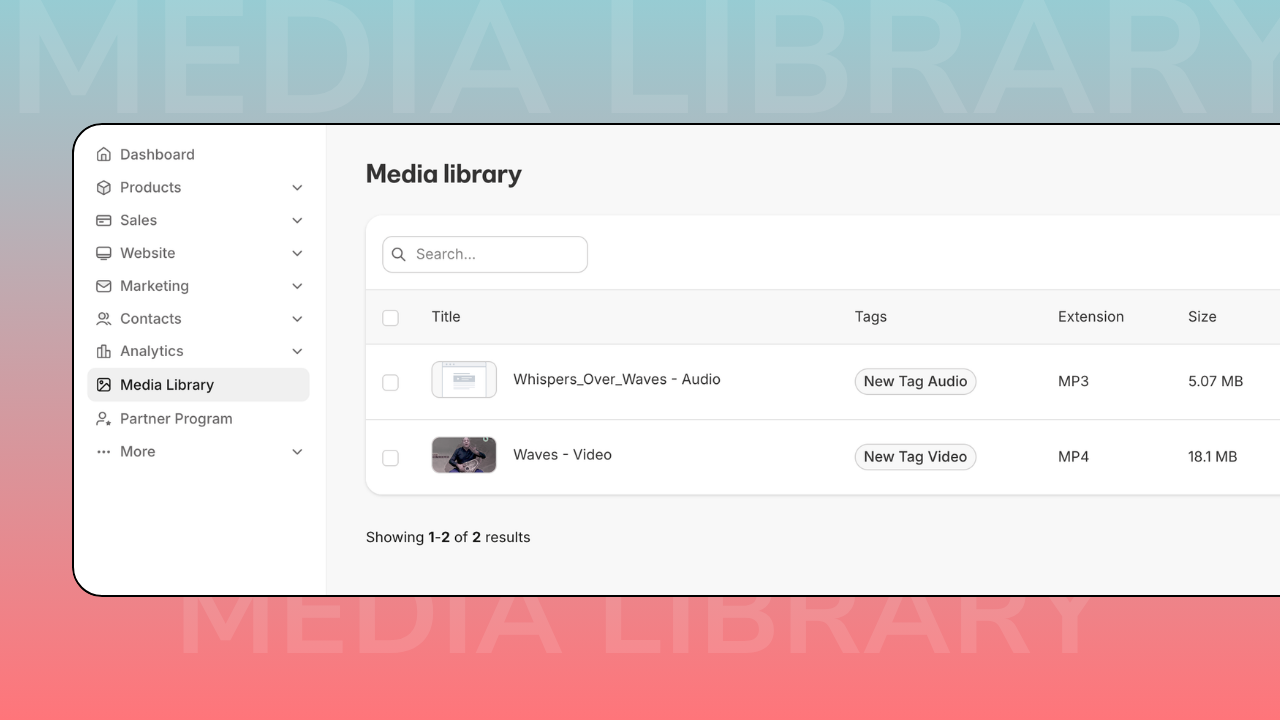
Kajabi recently introduced a new feature called Media Library, and it’s one of those updates that may look small at first, but actually makes a big difference in everyday work.
If you create courses, coaching programs, podcasts, or any type of content inside Kajabi, you probably know how messy things can get when you upload the same video multiple times in different places. The new Media Library solves this problem by giving you one central place where all your media files live.
Instead of uploading files again and again, you upload them once and reuse them anywhere across your site.
What Media Library actually is
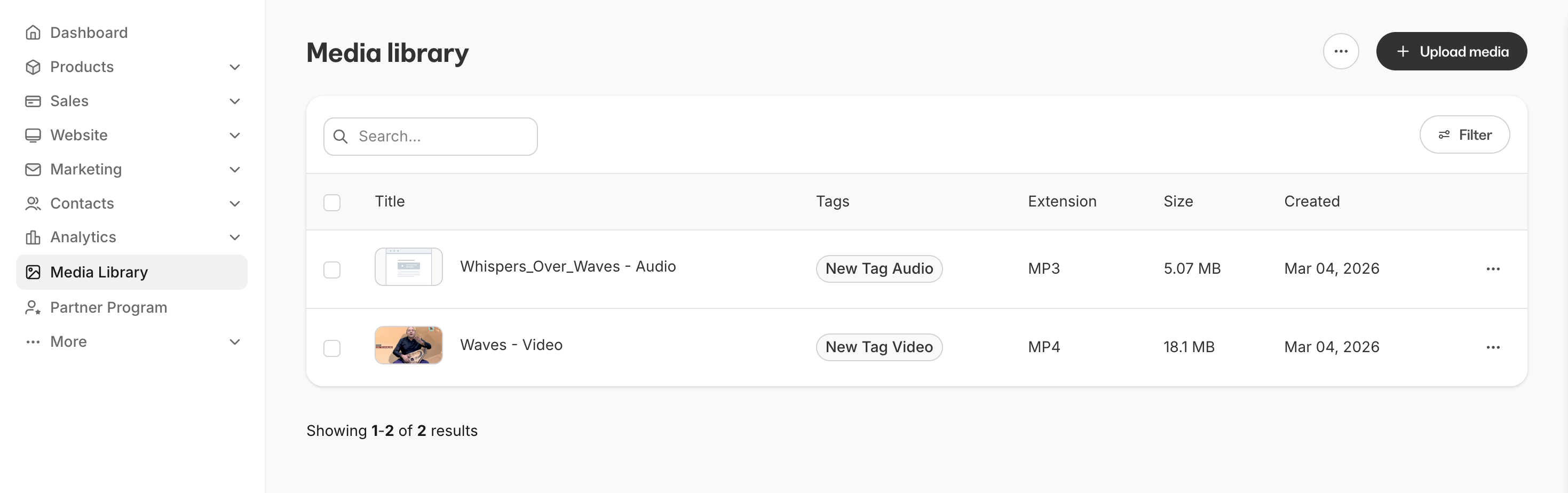
Media Library is a centralized storage inside Kajabi where you can keep all your video and audio files in one place.
From there, you can use the same file in:
- course lessons
- landing pages
- website pages
- blog posts
- coaching sessions
- offers and upsells
- live session replays
This makes content management much easier, especially if your project grows over time.
Upload once, use everywhere
Before this update, many users had the same video uploaded multiple times in different areas of the site. That made editing and updating content more complicated than it should be.
With Media Library:
- you upload the file once
- you select it from the library whenever you need it
- the same asset can be used in multiple places
This saves time and keeps your project more organized.
Better organization with tags and search
As your content grows, finding the right file can become difficult. Media Library includes tools that help keep everything structured.
You can:
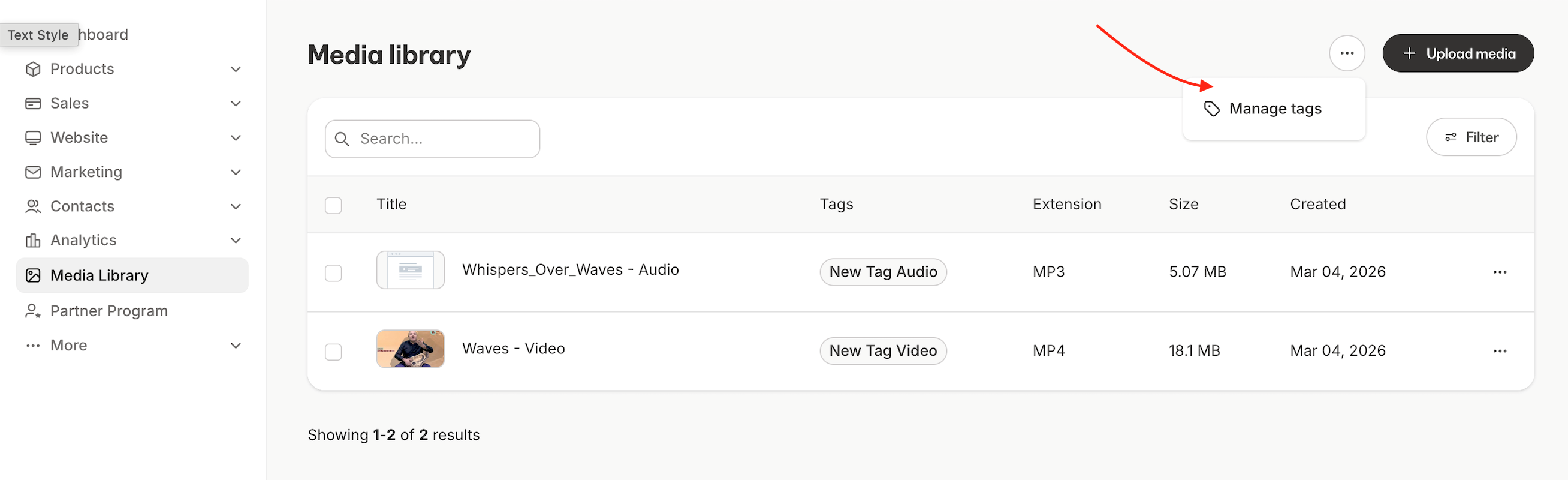
- add tags to your files
- filter by video or audio
- search by name
- sort by date or title
For example, you can create tags like:
- Module 1
- Bonus content
- Interviews
- Coaching calls
This makes it much easier to manage large courses or memberships.
See where each file is used
One of the most useful features is the ability to see where a file is being used.
Inside the Media Library, you can open any asset and check:
- where this video appears
- which page or lesson uses it
- where it is embedded on your site
This helps avoid mistakes, especially when updating or deleting content.
Extra tools for video content
Kajabi also added more options for working with video files inside the library.
Depending on the file, you may see:
- automatic transcripts
- translations
- dubbed audio tracks
- chapters inside videos
Chapters allow you to split a long video into sections so users can jump directly to the part they need, which is very useful for courses and trainings.
Why this update matters
This feature may not change how your site looks, but it changes how easy it is to manage your content.
If you work with:
- online courses
- coaching programs
- memberships
- podcasts
- video libraries
having a centralized media system makes your Kajabi project cleaner, faster, and easier to maintain.
Final thought
Kajabi continues to add features that make it possible to run a full online business inside one platform, without needing extra tools.
If you’re building a project on Kajabi and want the structure to stay clean as you grow, setting things up the right way from the beginning makes a huge difference.
If you need help organizing your Kajabi site, courses, or funnels, we can help.
👉 Start your project with Inweba
https://www.inweba.com/start-your-project